Moving Tasks Between Workspaces
Workspaces in AgentRQ are how you separate concerns — one per repo, one per client, one per project. That's useful right up until a task lands in the wrong one: filed against the wrong repo, created in a scratch workspace before the real one existed, or just misclassified in the moment. Until now, fixing that meant abandoning the task and starting a new one from scratch, losing every message and tool call along the way.
Tasks can now move between workspaces directly, carrying their history with them.
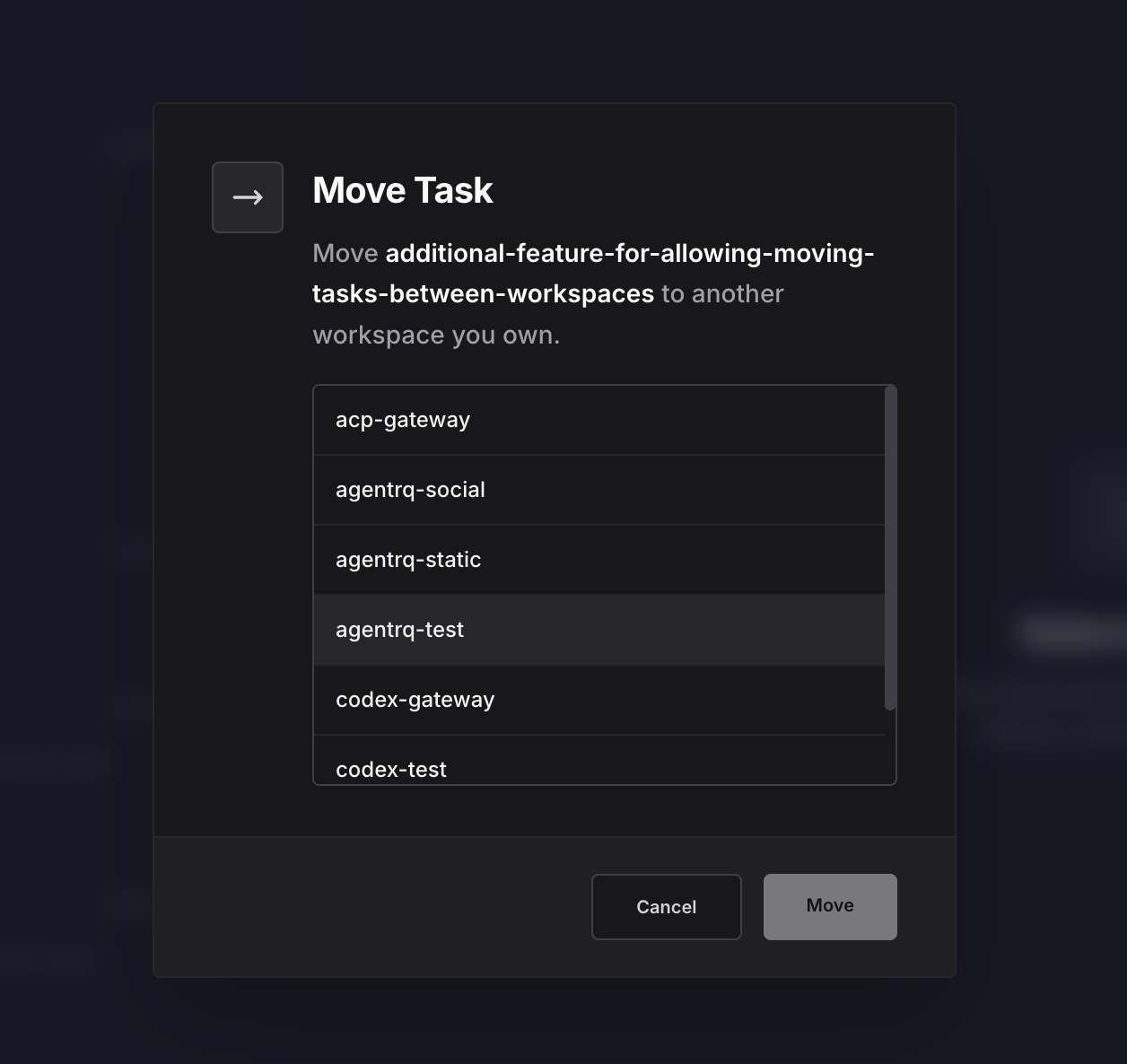
Right-Click, Pick a Destination, Done
Right-clicking a task in the feed or on the Kanban board opens a context menu with Move Task. Selecting it opens a modal listing every other active workspace you own — pick one and confirm.
The task disappears from the source workspace and appears in the destination immediately, on both ends, without a page refresh. Under the hood the move is published as a live event to both workspaces the moment it happens, so if you (or a teammate) have either board open, it updates in place instead of going stale until the next reload.
Nothing Gets Left Behind
A task's conversation, its full tool-call history, and any attachments move with it as a unit — there's no separate "import" step and nothing to re-attach on the other side. The task keeps being exactly what it was; it just belongs to a different workspace now.
Ownership Is Checked on Both Ends
Moving a task touches two workspaces, so AgentRQ checks ownership of both independently before anything happens: you have to own the workspace the task is coming from and the one it's going to. That means a task can never land in a workspace you don't own, and the destination list only ever shows workspaces you actually control — there's no way to move a task into someone else's workspace, and no way to pull one out of a workspace that isn't yours.
Archived workspaces are excluded on either side of the move as well. A task can't be moved out of an archived workspace, and it can't be moved into one — archiving is meant to be a stopping point, not a detour.
Why This Matters
Workspace boundaries should organize your work, not trap it. Before this, a task filed in the wrong place was a sunk cost — you'd either leave it where it didn't belong or recreate it and lose the trail that got it there. Now a mistaken workspace is a one-click fix, not a decision you have to live with.
---
AgentRQ is currently in public beta. Join our GitHub community to help shape the future of human-agent collaboration.