Human-in-the-Loop Task Manager for AI Agents
Task Scheduling

Set It Once,
It Runs Itself

Give any task a launch date, or a recurring cadence — every 15 minutes, hourly, daily, weekly, custom days. A background poller ticks every minute and spawns the task the instant it's due, no server or agent needing to stay awake and wait.

app.agentrq.com/tasks/active

Live capture from the AgentRQ app — setting a one-time launch date, then (time compressed) the real background poller spawning it into the Active Tasks dashboard a minute later.

How It Works

A calendar icon in the composer, and a poller that never sleeps.

1

Pick One-Time or Repeated

The schedule button in any task composer opens an Execution Strategy popover — None, One-time (pick a launch date/time), or Repeated (every 15 mins, hourly, daily, weekly, monthly, or custom days).

2

A Poller Ticks Every Minute

The backend converts your picks into a standard cron expression and shows a live preview ("in 1 min", "in 364 days"). A background service checks every minute for schedules whose time has come.

3

A Real Task Appears

When it fires, a normal task is spawned straight into the workspace — same title, body, and assignee as the template. One-time templates clean themselves up after firing; recurring ones spawn again next cycle.

Every Template, In One Place

The Scheduled view lists every cron template across a workspace with its next run time, so nothing quietly runs at 3am without anyone knowing it exists.

Each spawned instance links back to its scheduled template's instance history, so you can see every run a recurring task has produced — not just the latest one.
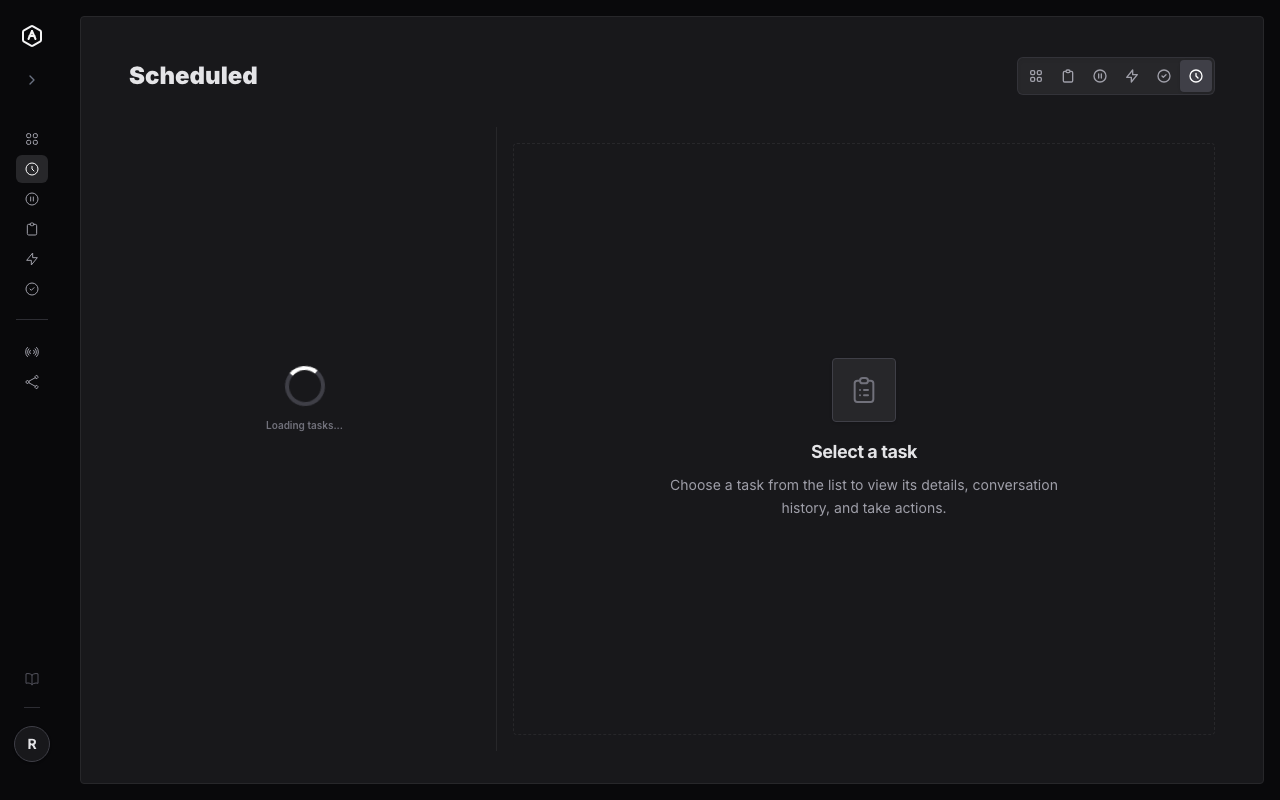
AgentRQ scheduled tasks list
Free During Beta

Stop Remembering to Kick Things Off

Sign up, set a schedule once, and let the poller carry it from there.

More Features